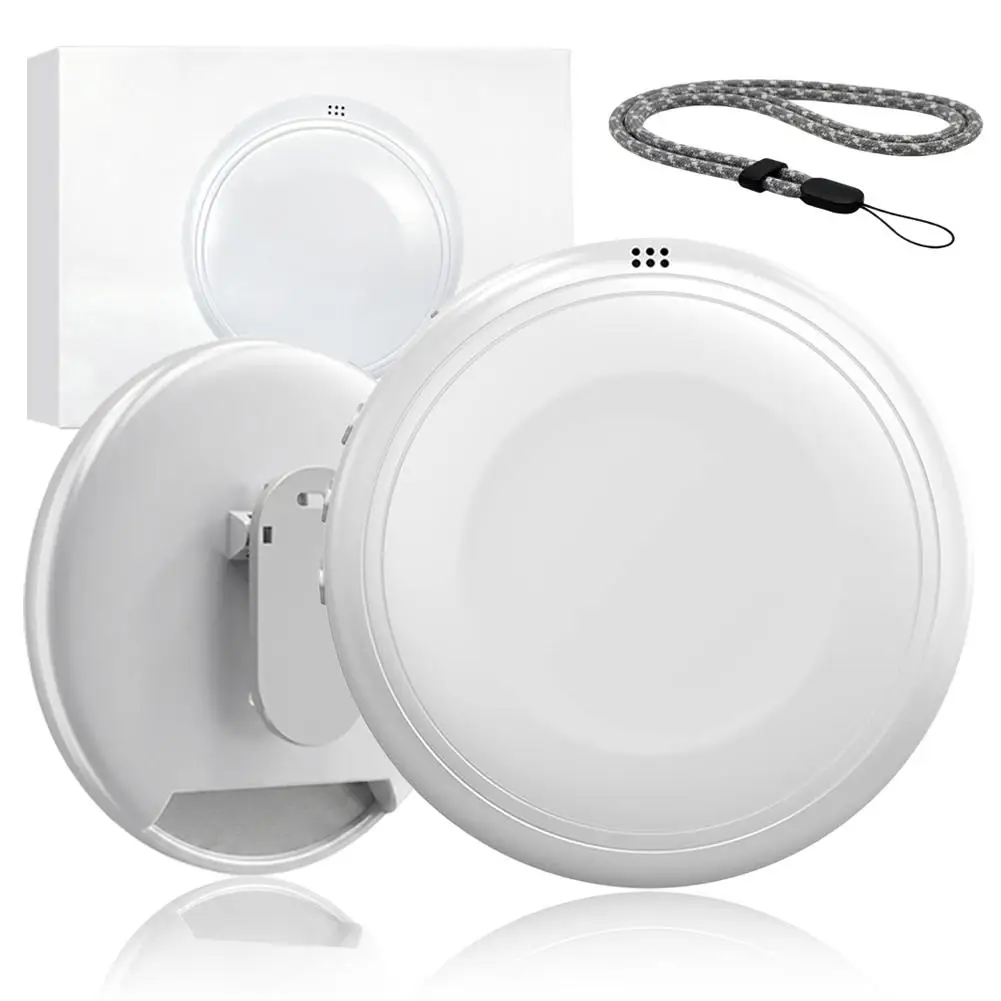
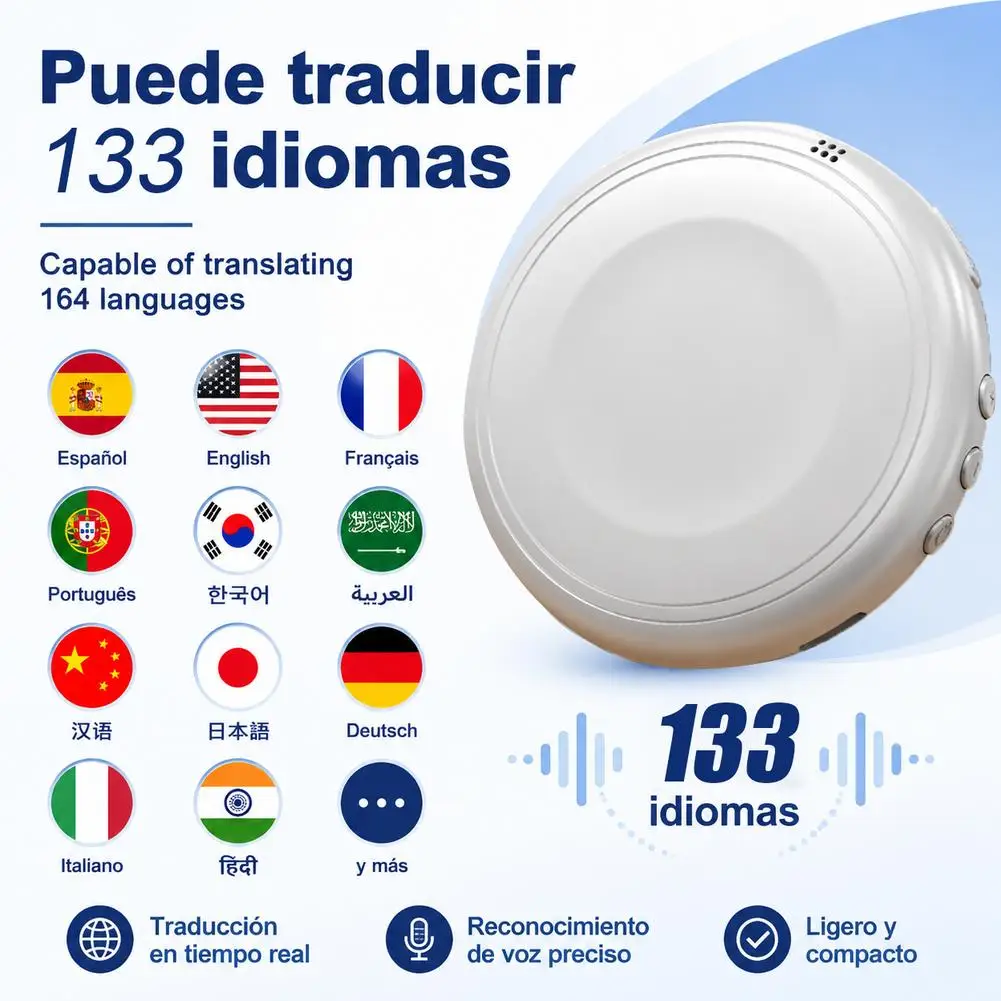
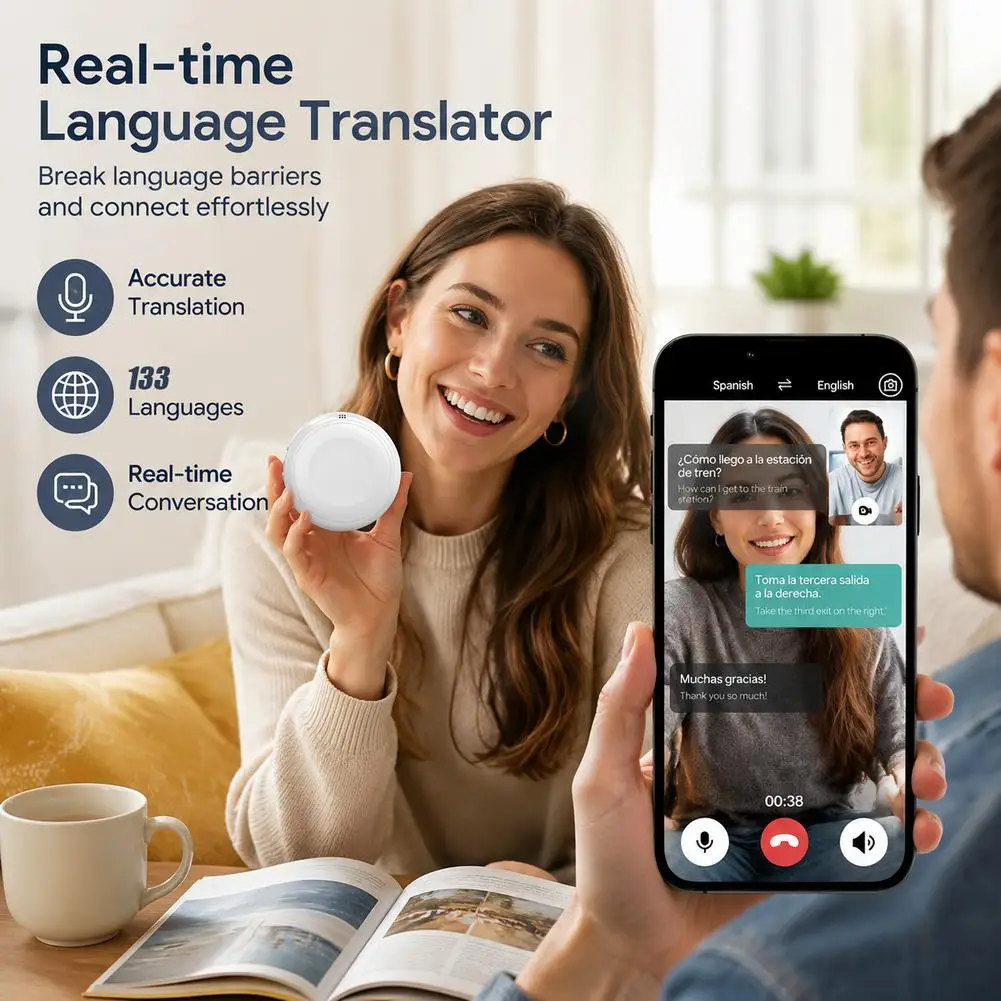
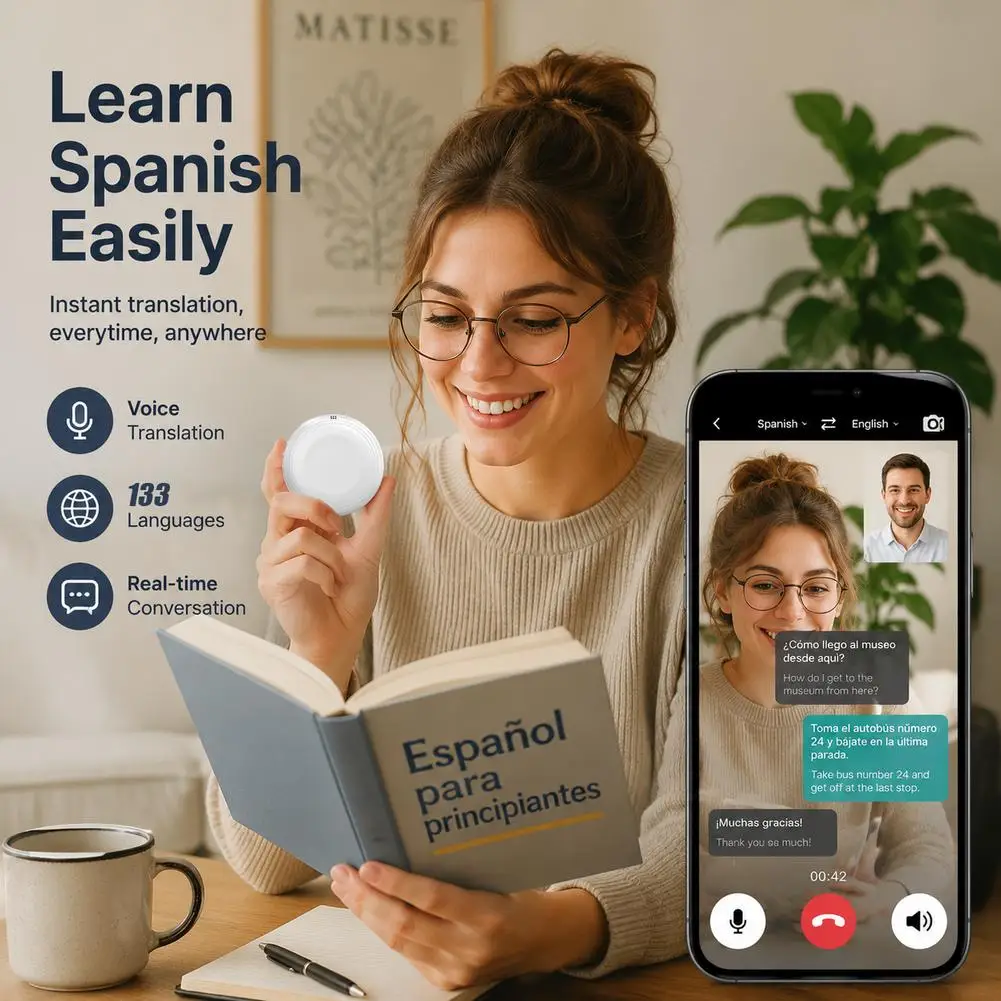
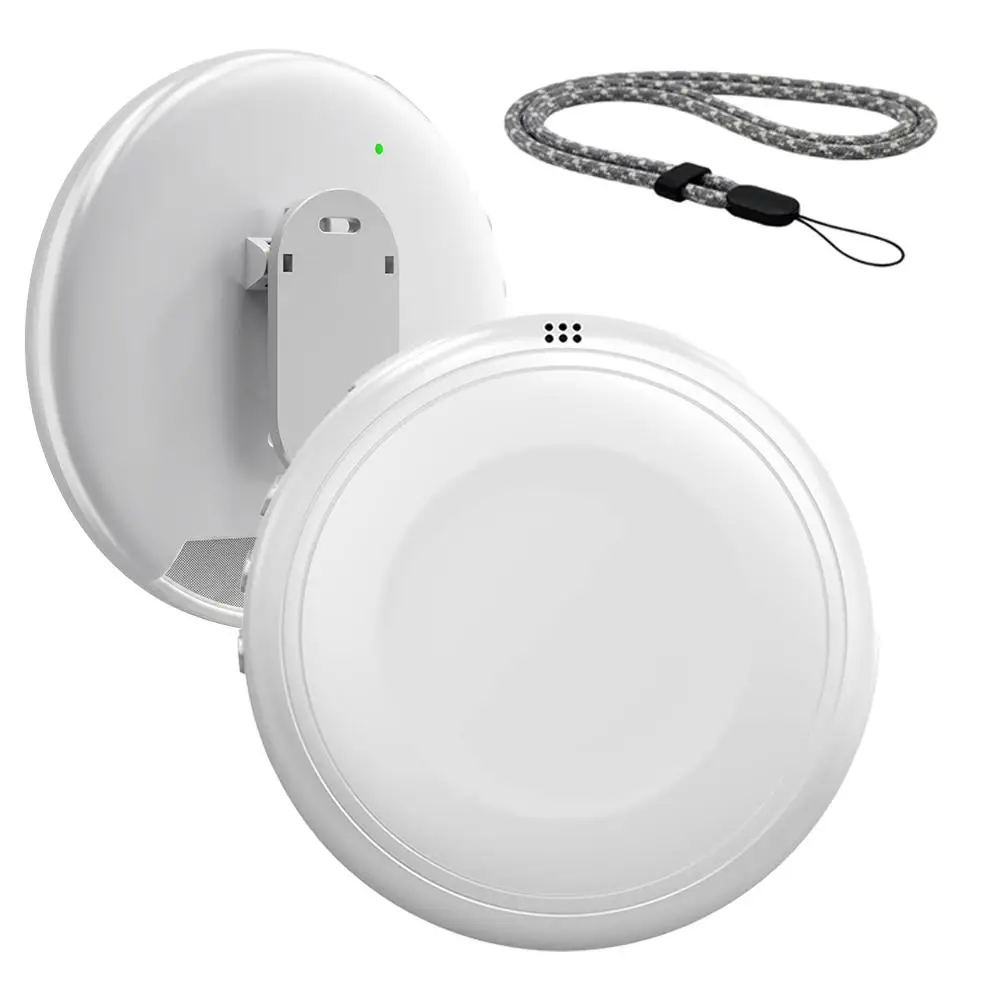
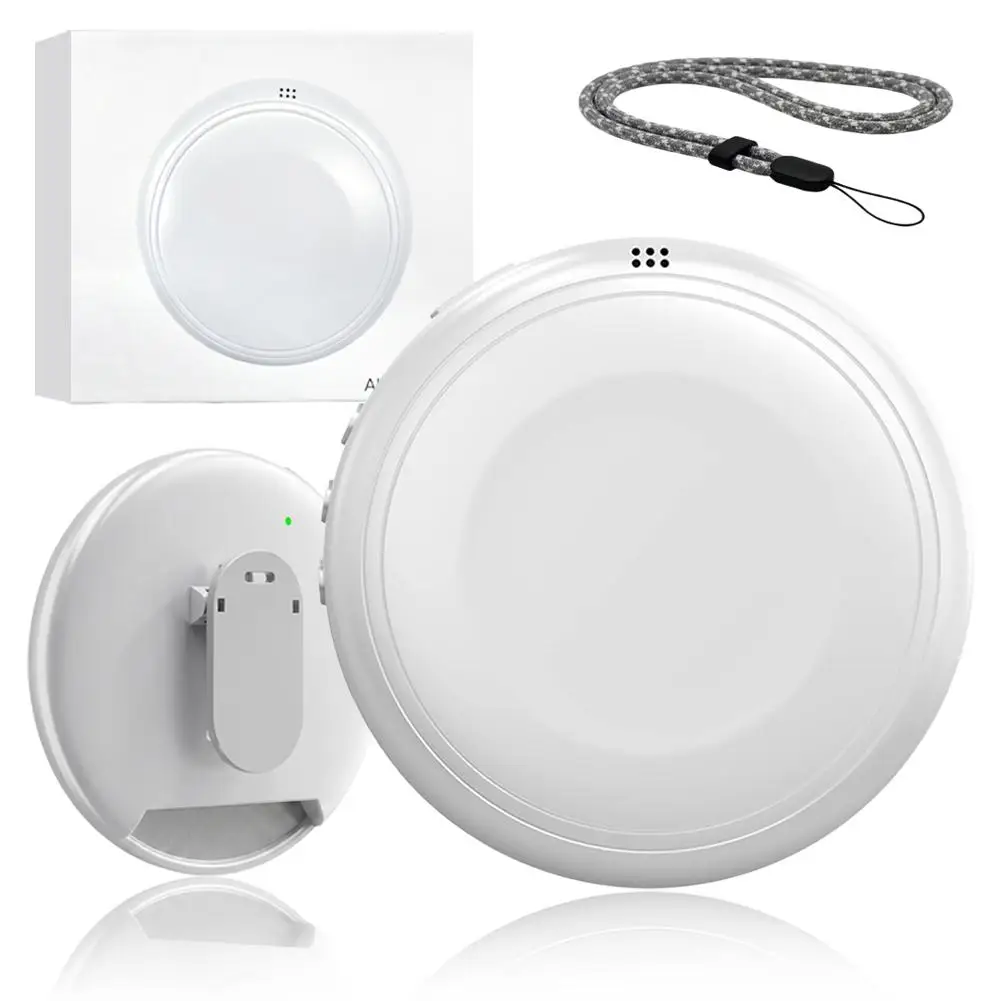
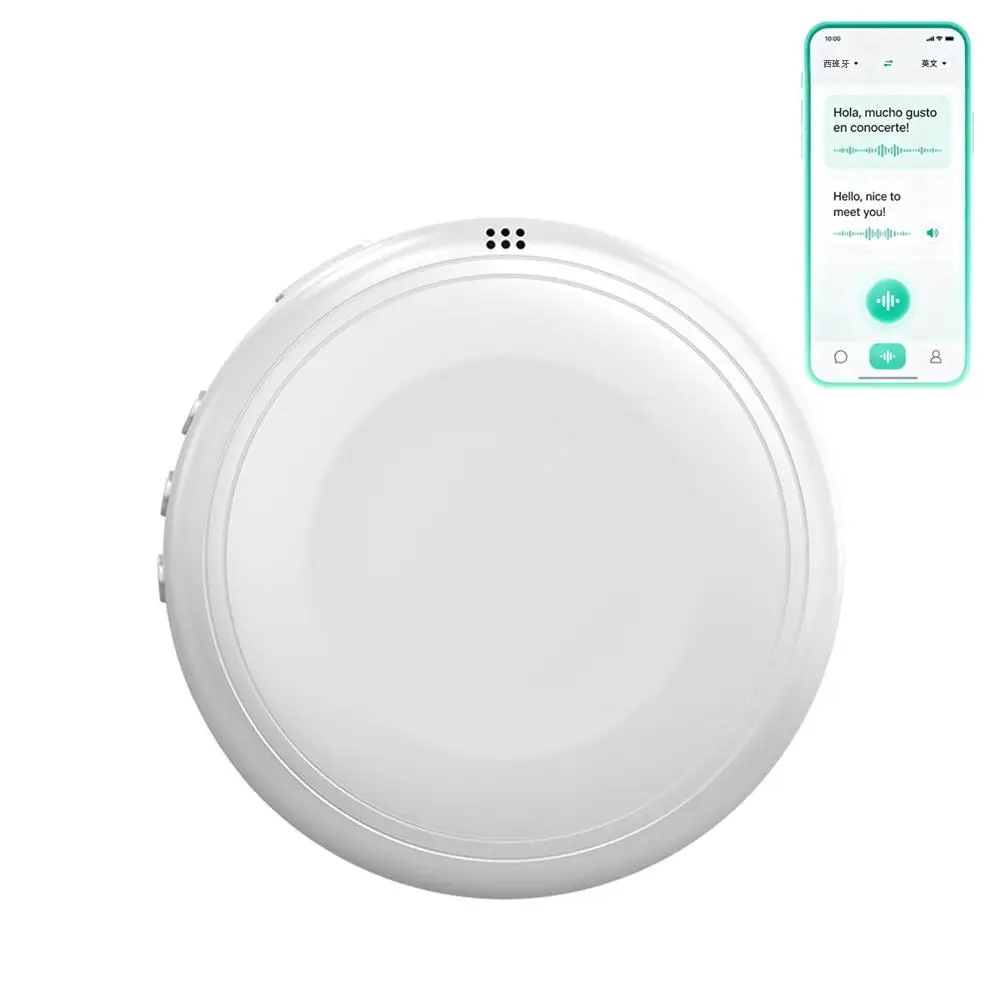
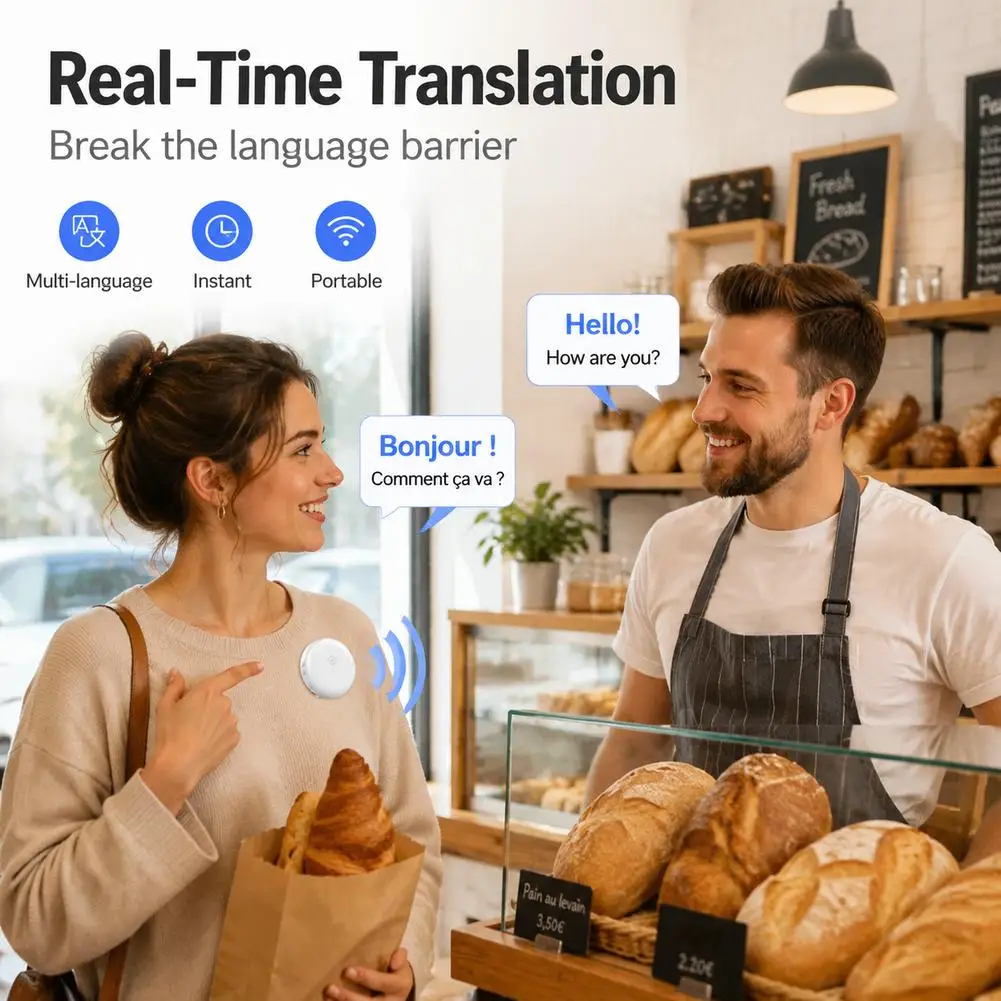
AI Smart Translator Wearable Real Time 133 Languages Spoken Tutor Learning Companion Voice Translation Speaker Travel
Regular price €42,80€ Sale price €28,90€SPECIFICATIONS
Audio Crossover: Full-Range
Battery: Yes
Brand Name: NONE
Cabinet Material: Plastic
Category: Speakers
Channels: 1
Choice: yes
Communication: WireLess
High-concerned chemical: None
Inbox adaptor: No
Input Power(W): <25 W
Input/Output: USB
Intelligent Personal Assistant: NONE
Number of Loudspeaker Enclosure: 1
Origin: Mainland China
Power Source: Battery,Battery
Sound Mode: Smart Sound Mode
Speaker Type: Portable
Support APP: No
Use: Home
Voice Control: No
Voltage range: USB (5-20V DC)
Waterproof: No
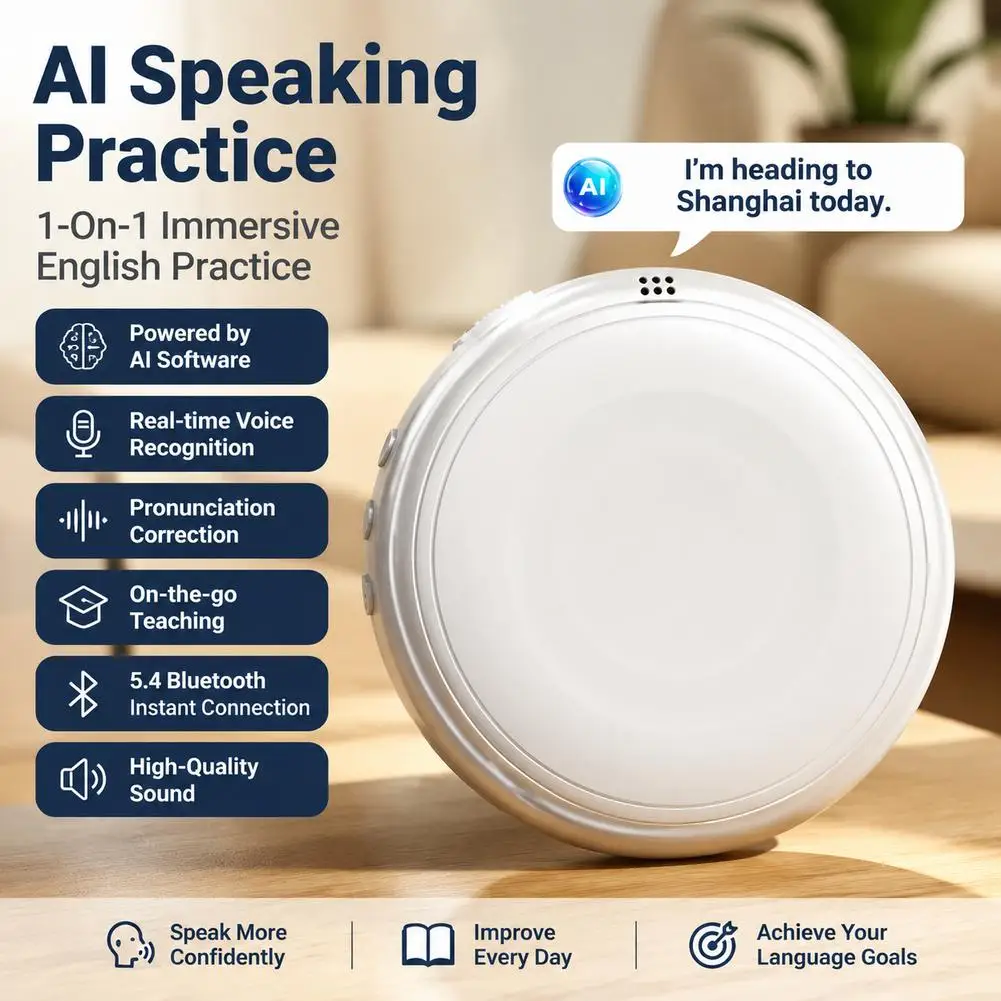
Intelligent AI Spoken English Tutor with AI Software
AI Communication | Instant Translation | Bluetooth 5.4 | Ultra-High Sound Quality
Immersive Experience, No Awkward Speech
Not just AI dialogue, but like a real person.
Start chatting with your AI companion anytime, anywhere.
Don't be afraid of making mistakes.
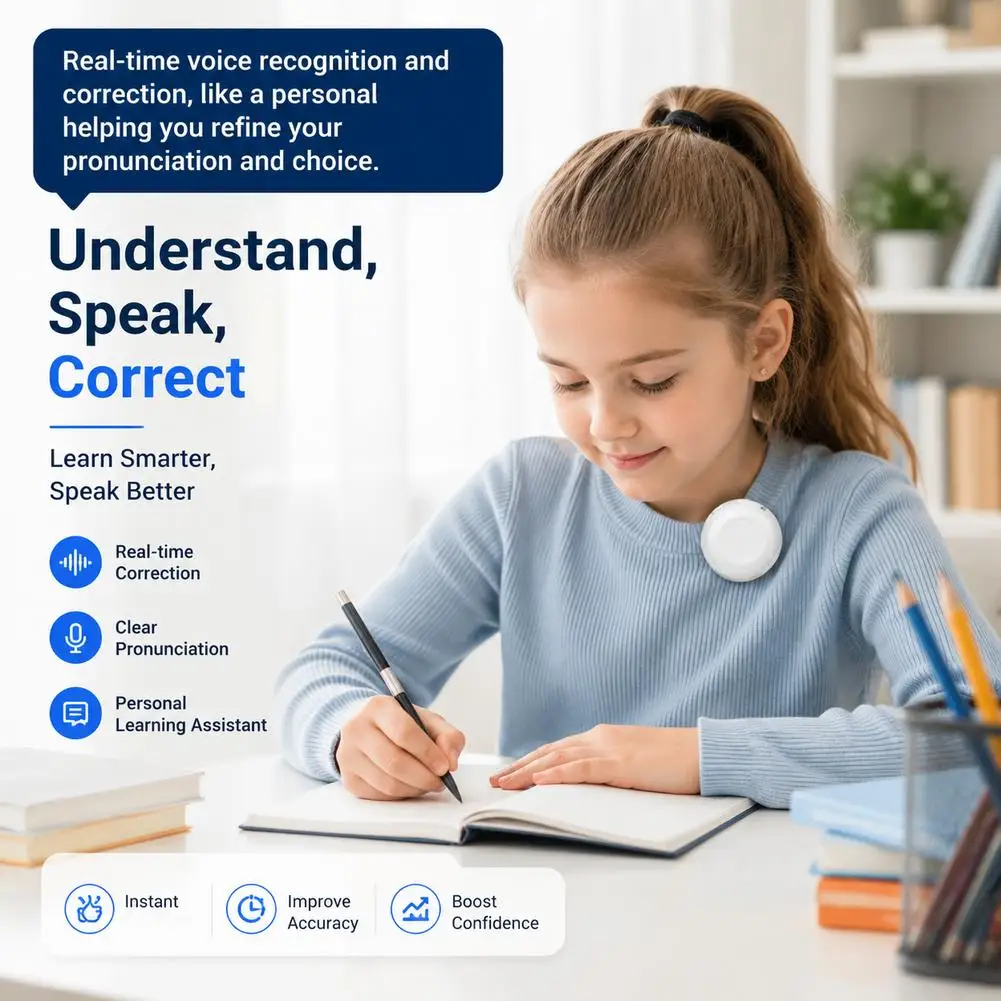
Understands, Speaks, and Corrects Errors
Real-time speech recognition and correction, like a personal trainer helping you refine your pronunciation and vocabulary.
Contextualized Learning, Learn and Use Immediately
AI-created scenarios cover workplace, travel, everyday conversational phrases, and shopping scenarios, simulating real-world situations and helping you say goodbye to "mute" English.
Product Information
Product Model: TS1-AI Translation Speaker
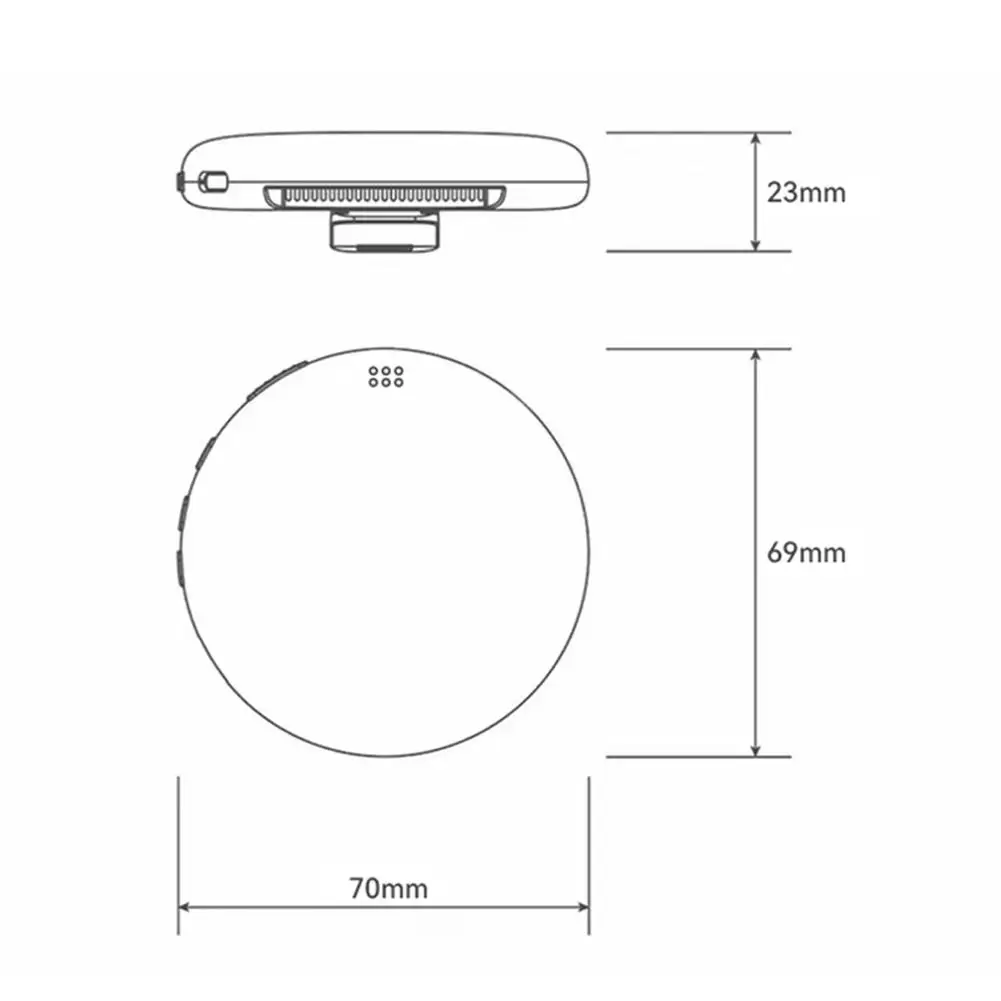
Product Dimensions: 70*69*23mm
Product Net Weight: ≈37g
Battery Size: 600mAh
Connection Method: USB, Bluetooth
Speaker Parameters: 4020B0X-L25/4 Ohms
Input: 5V-1A
Frequency Response: F0-20KHz
Impedance: 4R
Product Introduction
Main Unit Usage Instructions:
1. As a portable Bluetooth omnidirectional microphone, it can connect to mobile phones, tablets, computers, etc. via Bluetooth for audio calls, essentially functioning as an external microphone and speaker for smart devices.
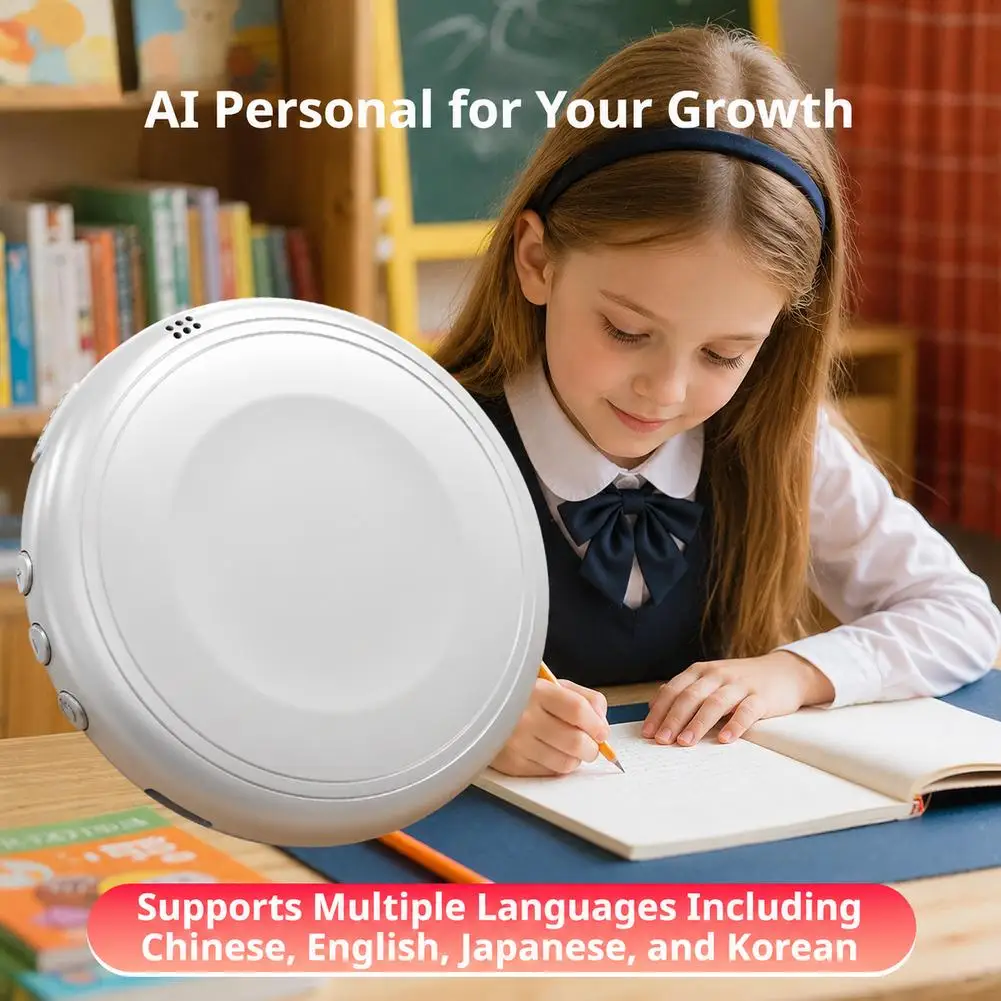
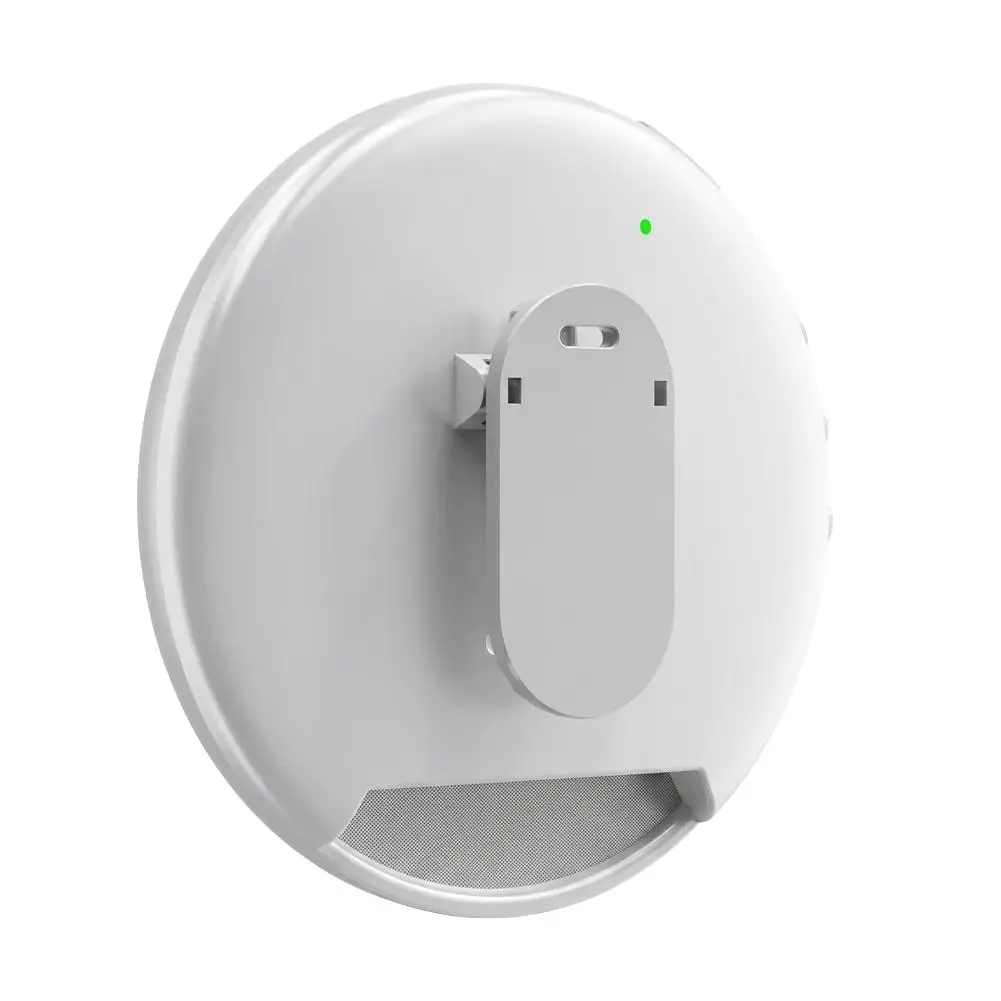
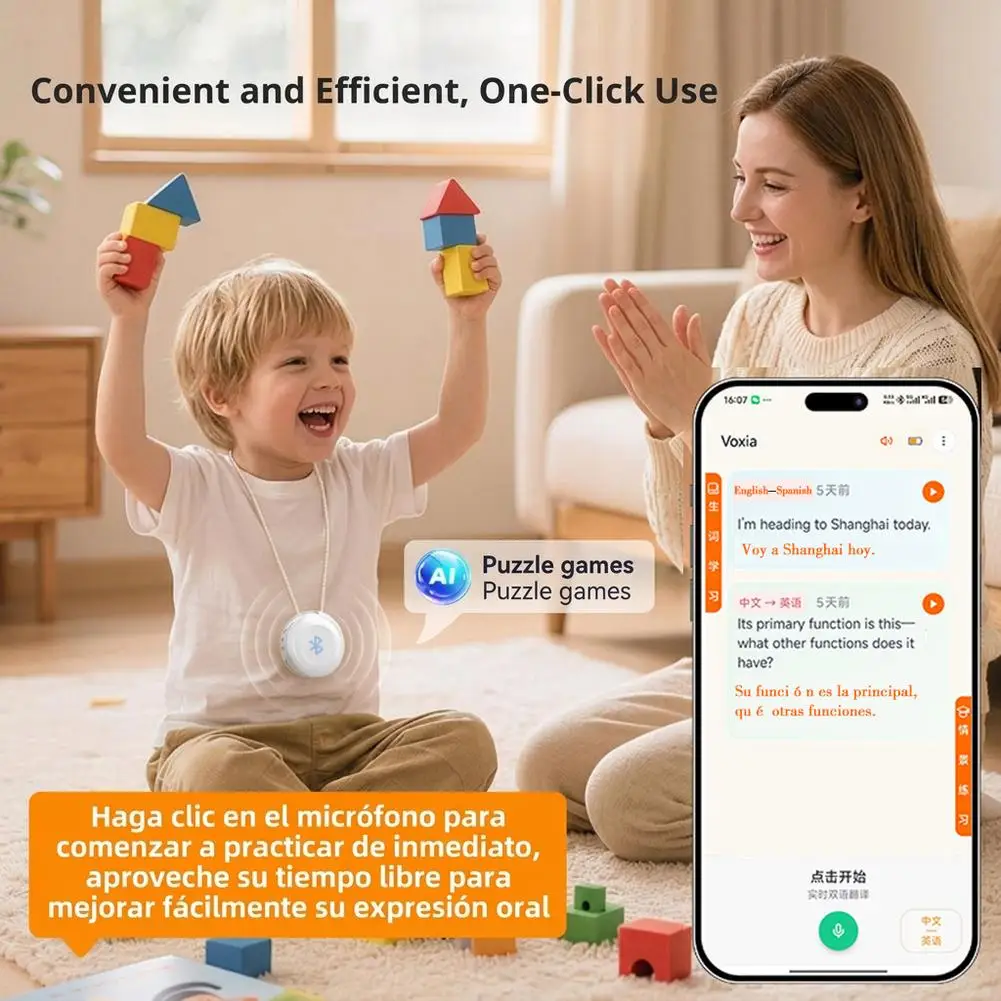
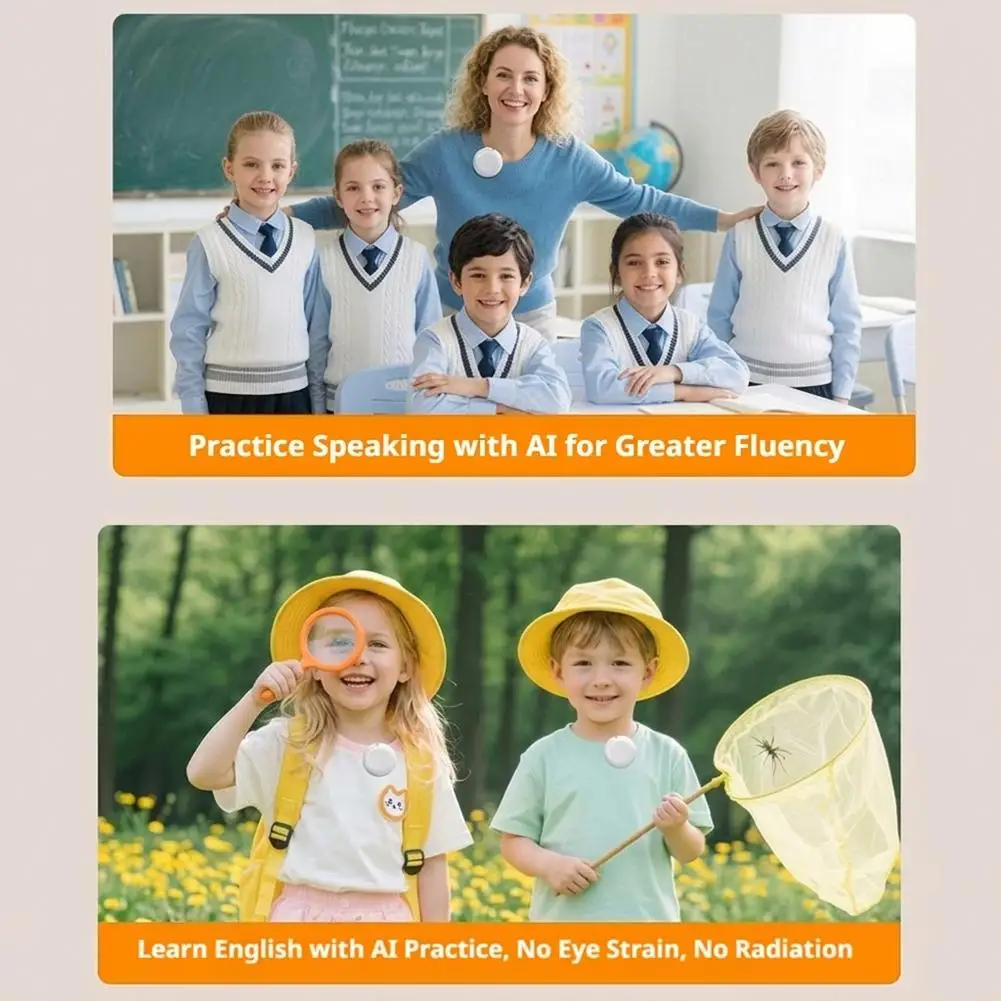
2. When used with the VoiceAI Oral Practice App, it provides one-on-one immersive practice in 133 languages, including Spanish and English, promptly correcting grammar errors. It generates a vocabulary list and intelligently generates scenario dialogues based on the vocabulary list. After connecting to a mobile phone or tablet via Bluetooth, open the App for real-time bilingual practice. The clip-on design makes it easy to carry, allowing children to practice speaking directly in front of the device while studying, freeing their hands.
Operation Instructions
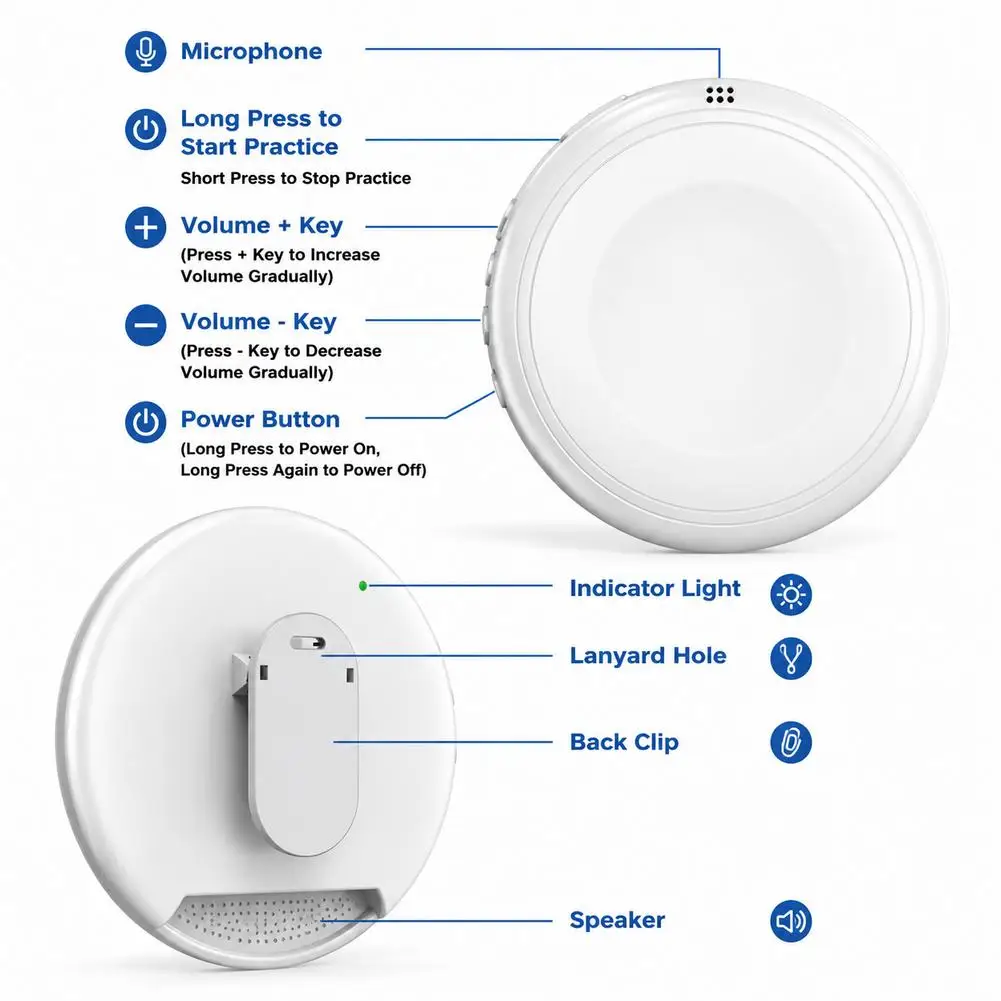
Step 1> Press and hold the power button to turn on the device. The indicator light on the back of the device will flash blue.
Step 2> Bluetooth Pairing: Turn on your mobile phone/tablet, go to Bluetooth settings, find "TS1XXXX" (the numerical part is different for each device) and pair. After successful pairing, a voice prompt "Bluetooth connected" will sound, and the indicator light will remain solid blue. (Note: The Bluetooth name cannot be changed)
Step 3> Download and install the APP:
Method 1: Scan the QR code on the back of the packaging box/the front of the instruction manual to install the APP.
Method 2: Search for "Shengxing" in the app store to download and install. Note: Allow the necessary permissions during installation (microphone permission, Bluetooth permission, location permission).
Step 4> Usage: After successfully downloading and installing the APP, open the APP. It will show that the Bluetooth device is connected. Then, click the green call icon on the interface to start real-time bilingual tutoring. Simply speak into the device; no button operation is required on the device.